dhowflix · your cinema, at home
DhowFlix is for family and friends: new movies and full TV series, with subtitles, trailers, and each device keeping its own Continue watching and My List. The first week is free; then pay month by month with the BML app.
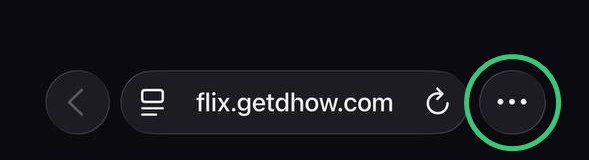
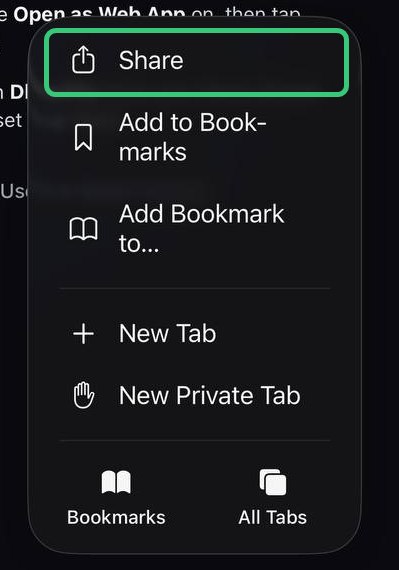
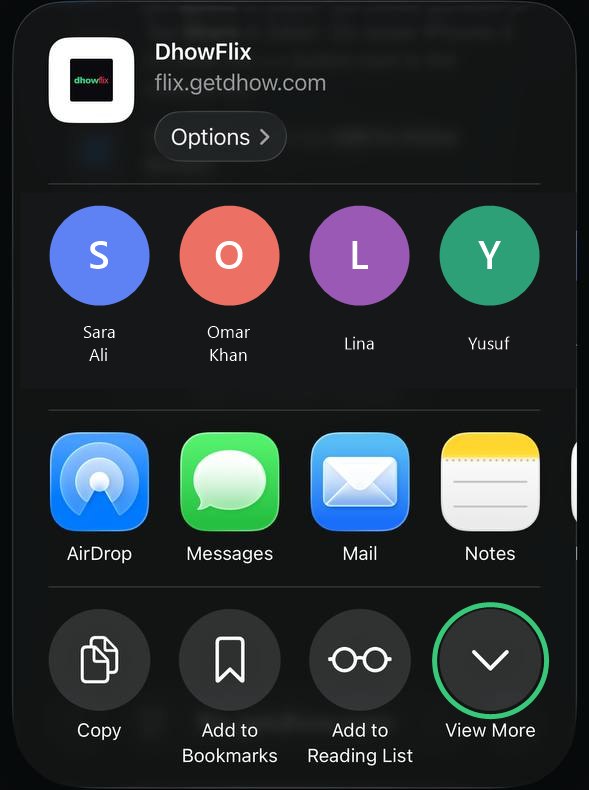
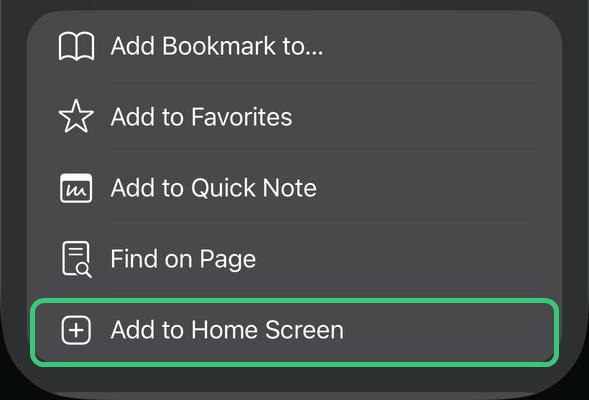
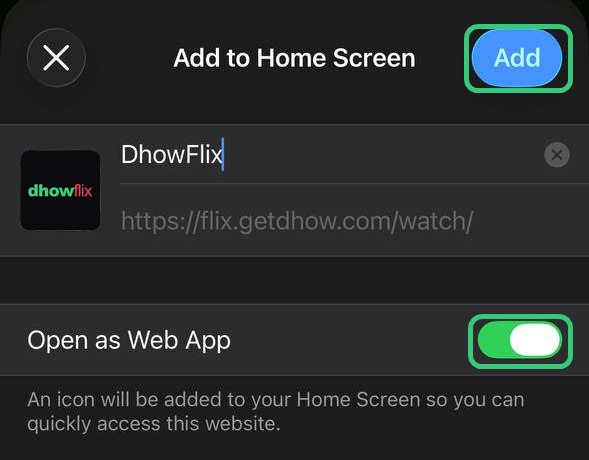
Opens from your Home Screen like an app, full screen, with subtitles and AirPlay. Nothing to install from the App Store.
The DhowFlix app, straight from us rather than the Play Store.
Sony, TCL, Xiaomi, Chromecast with Google TV and more. Install Downloader on the TV and type:
flix.getdhow.com/watch/tvSamsung and LG TVs are not Android: message @DhowFlix_bot on Telegram and we’ll help.
Which phone do you have?
It opens like an app from your Home Screen and stays signed in.

Swipe for the next step
Already added it?Open DhowFlix from your Home Screen instead of Safari. You stay signed in there.DhowFlix comes straight from us, not the Play Store, which is why Android asks.
For Android TV and Google TV (Sony, TCL, Xiaomi, Chromecast with Google TV and more). Do this on the TV, with its remote:
To update DhowFlix later, do steps 2 and 4 again: the TV stays signed in. Samsung and LG TVs are not Android: ask us on Telegram (@DhowFlix_bot).
First, confirm your mobile number with Telegram. It takes a few seconds.
Open TelegramIn Telegram tap Start, then Share my number. Then come back here.
No Telegram yet? Install it from the App Store first.
Type a pairing code from the family’s main device (Settings › Family there).
Your sign-up is waiting for approval. This screen moves on by itself.
Turn your phone upright
DhowFlix turns sideways only while a movie or show plays.
Payment checking is paused right now (the household computer is offline). You can still pay: this device switches on by itself as soon as it is back.
Waiting for your payment… this screen updates by itself.
A problem? Message us on Telegram: @DhowFlix_bot